
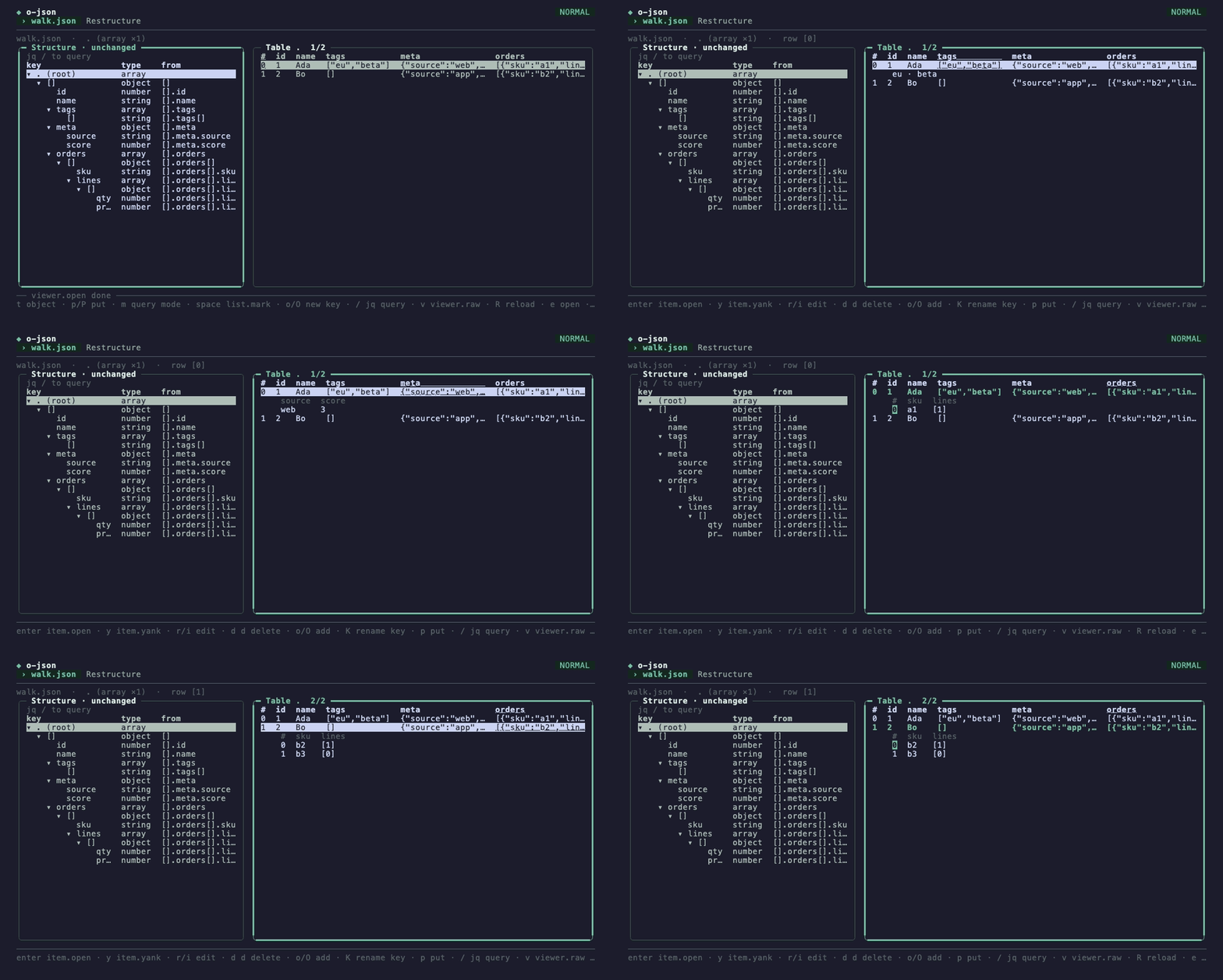
An array of objects as a table in the o-json viewer
overview
What it is
o-json answers two questions about a document: what shape is it (every path, its types, how many values have it, which fields are optional), and what does an array of objects look like as a table. Built on ochazuke with an oden command line.
It never writes the document it reads unless asked: restructure, export and the viewer's write make a new file, and replace an existing one only with --overwrite, or W on the page, which confirms first.
install
git clone https://github.com/unixsuperhero/o-json && cd o-json && go build -o ~/bin/o-json .o-json data.json # open the viewer
curl -s https://... | o-json # or read stdin
o-json structure data.json # the shape as a tree
o-json table data.json .items # an array as a table
o-json query data.json '.items[] | .name'
o-json export data.json --of .items > items.csvfeatures
What it does
01 / 06
Structure
One pass records, for every
[]path, the types seen, how many values have it and which fields are optional. Duplicate keys are flagged the way jq reads them.02 / 06
Tables
An array becomes one row per item and one column per key, optional columns last and marked
?. A missing field is a blank cell, notnull.03 / 06
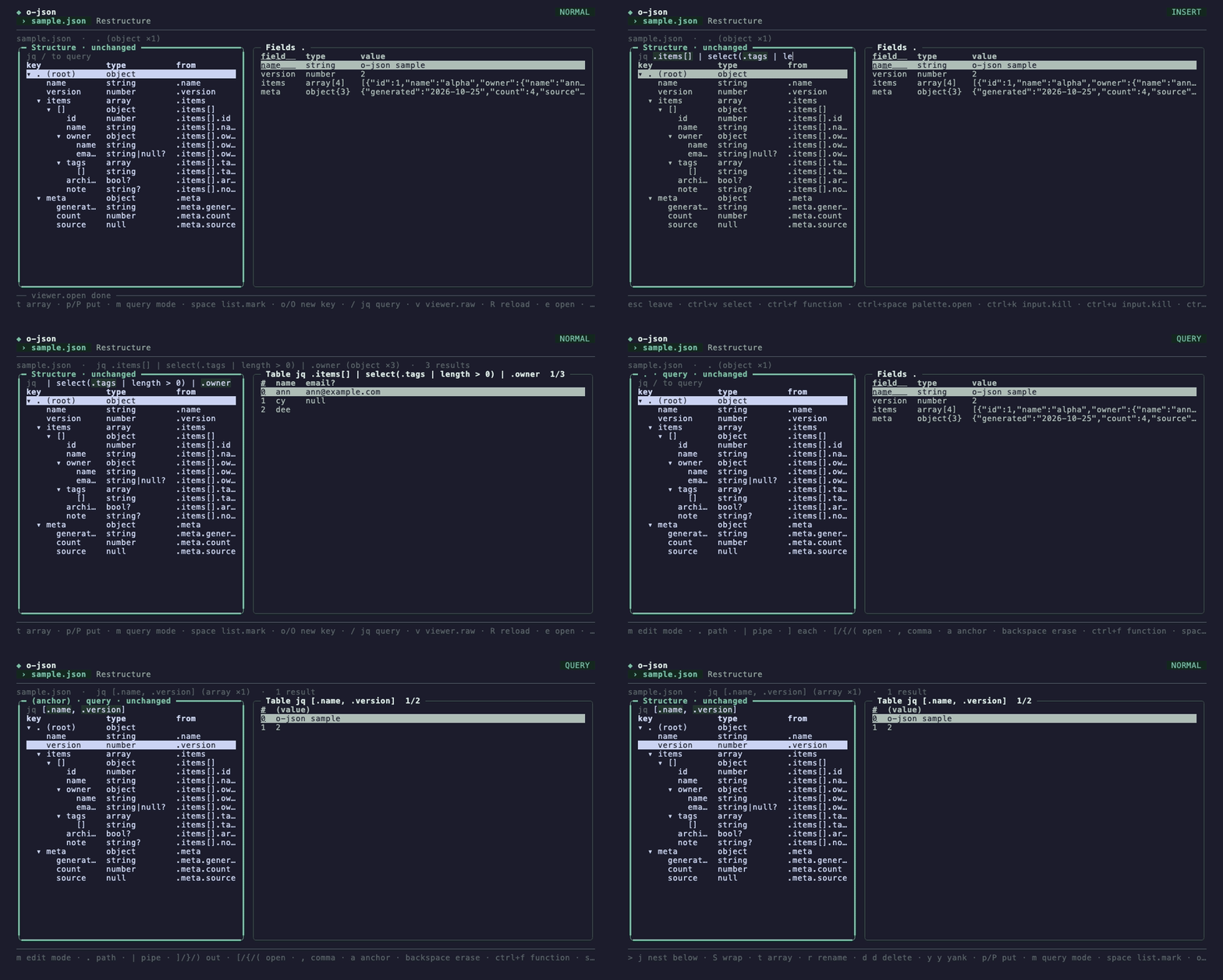
Query with jq
Runs jq through gojq, pure Go, no
jqbinary needed. Path expressions print the document's own values in document order.04 / 06
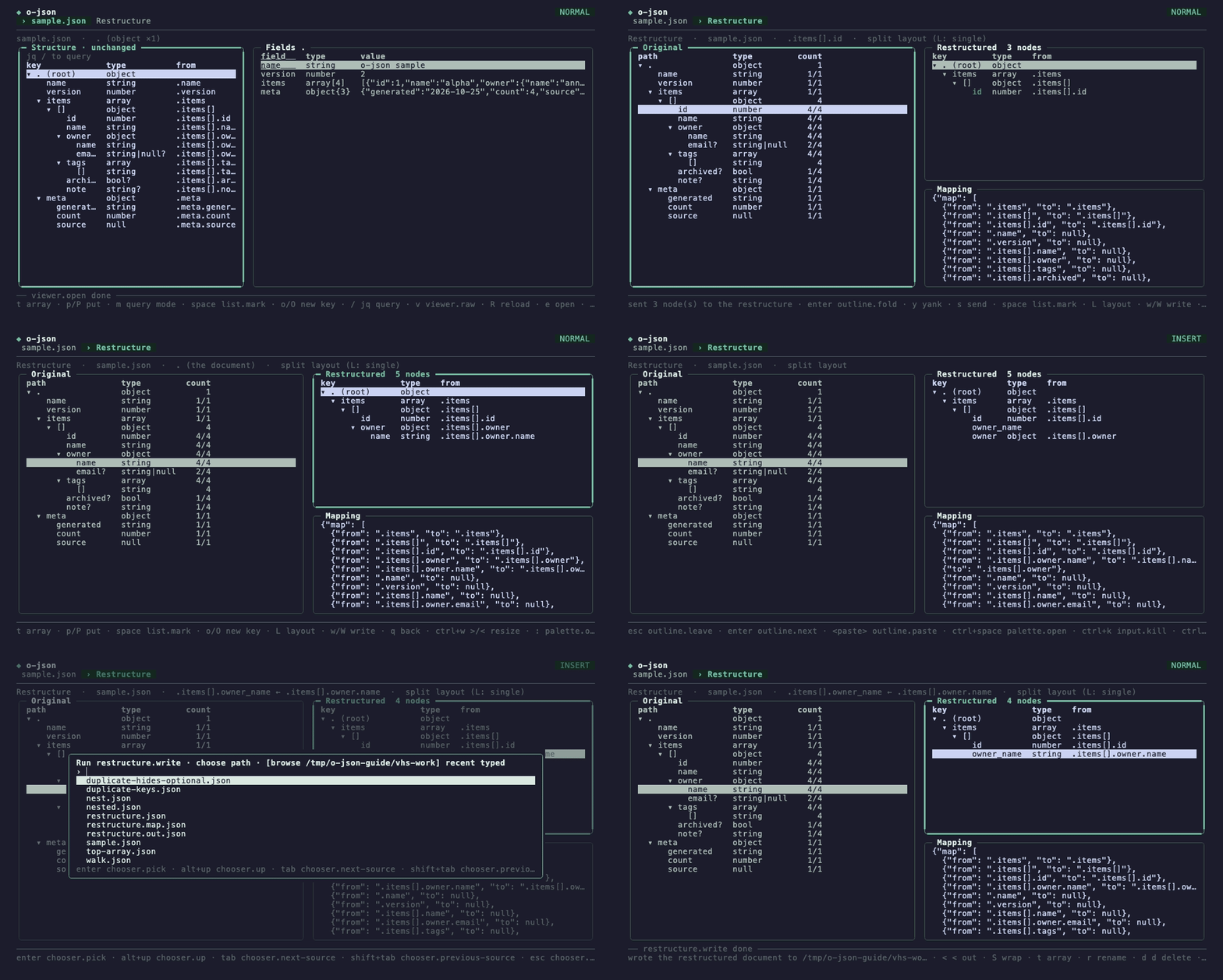
Restructure
Map shape paths to a new document, add value patches and reshape steps;
--jqprints a jq program that makes the same document and never fails on that shape.05 / 06
Export
An array to csv, tsv, jsonl or markdown, from the CLI or the viewer.
06 / 06
Safe by default
Edits live in the viewer with undo; nothing touches the source file unless you ask to replace it.
.               object         1
  name          string       1/1
  items         array        1/1  4 items
    []          object         4
      id        number       4/4
      owner     object       4/4
        email   string|null  2/4  optional
      tags      array        4/4  0..2 items
      archived  bool         1/4  optional
the guide, in eight recordings
Task by task
Each recording is a chapter of the o-json guide.
01 Open a document
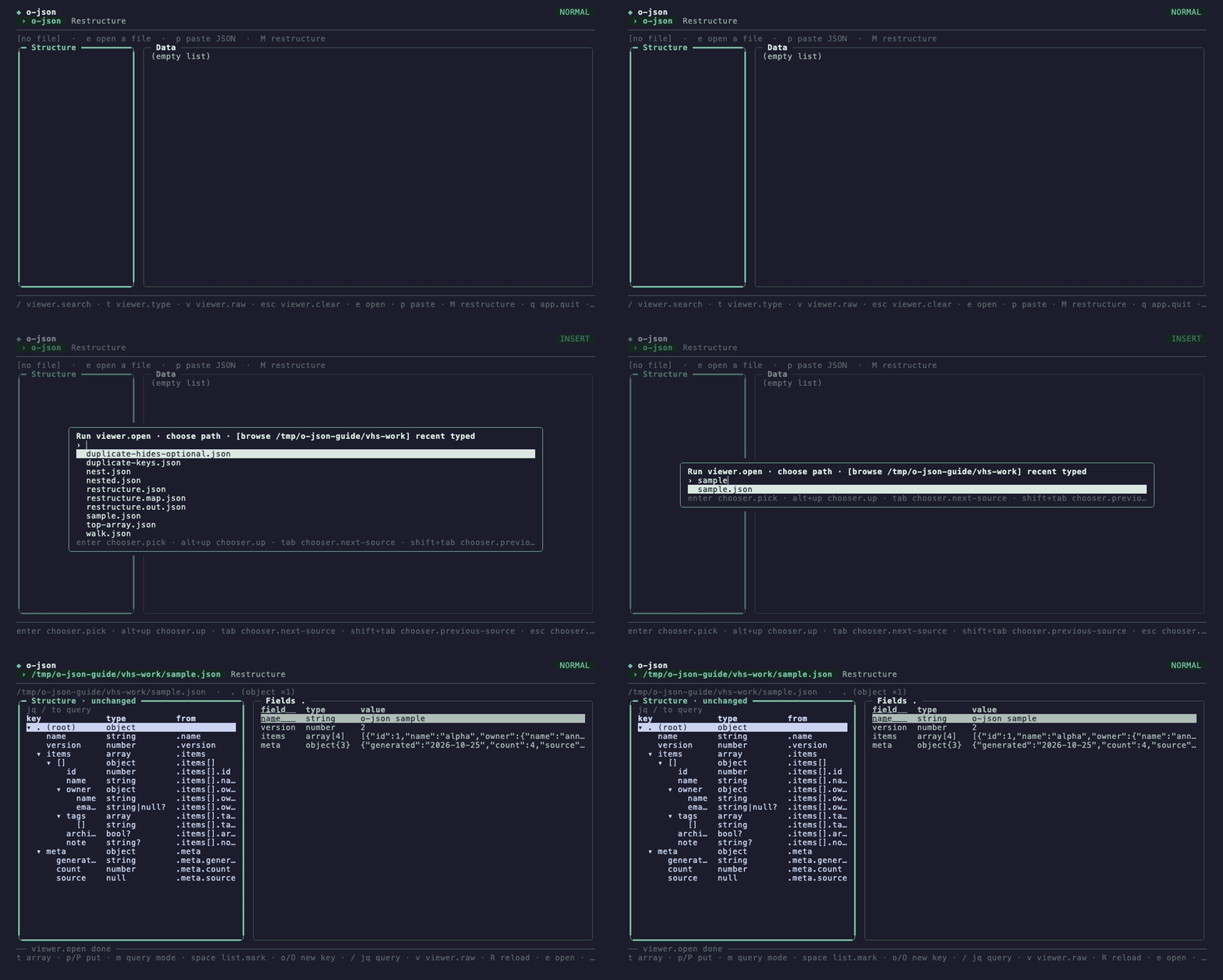
02 Read the shape
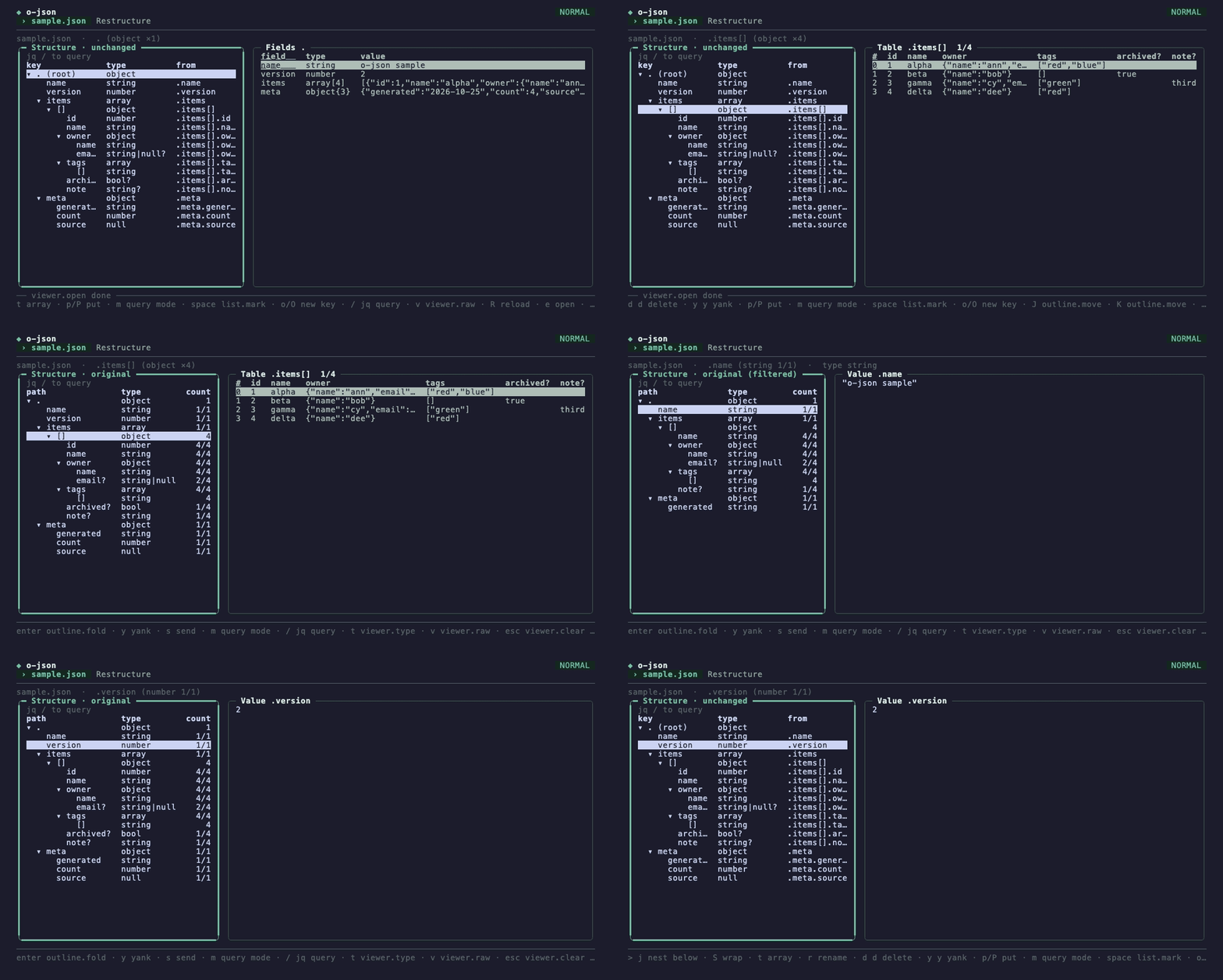
03 An array as a table
04 Drill into a row
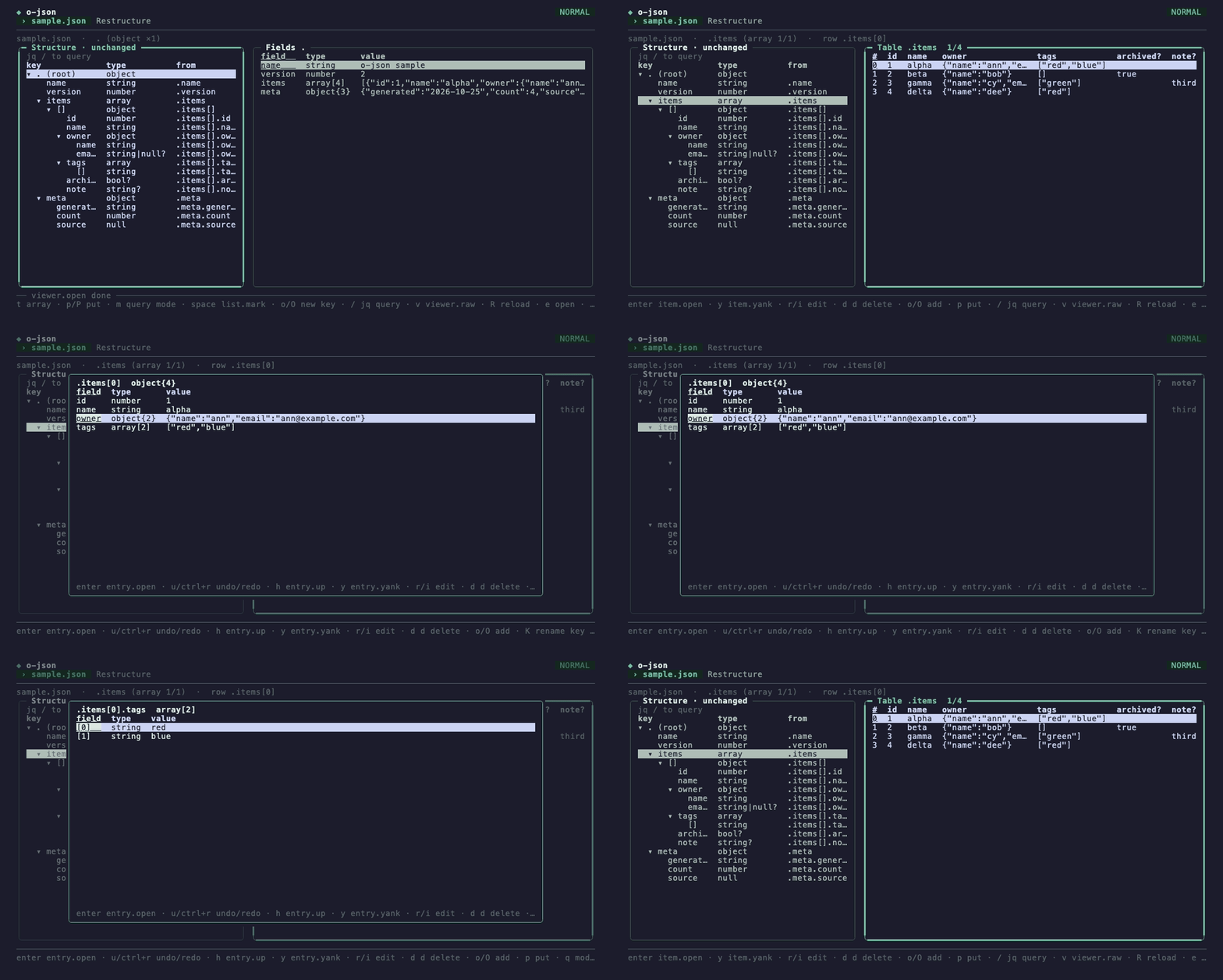
05 Edit values
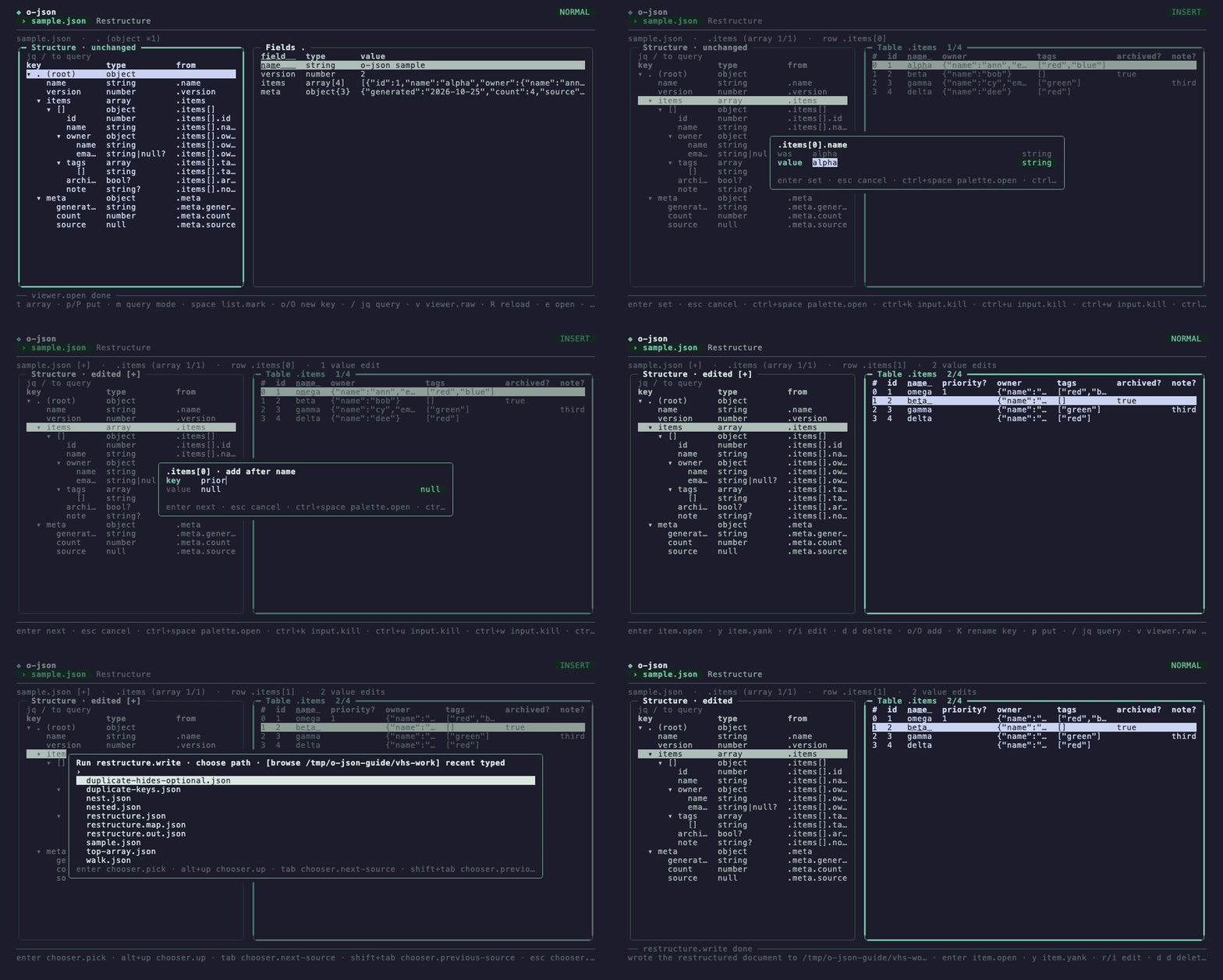
06 Restructure the shape
07 Query with jq
08 Export and write

read more